Hi there! Welcome to CrownSoft.
Language choice:Chinese (Simplified)

Language:Chinese

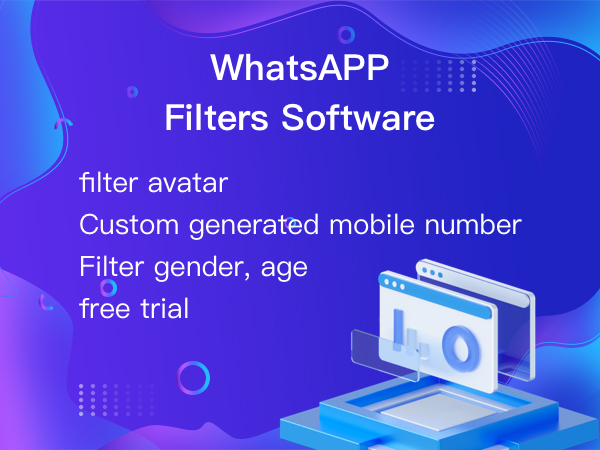
Screen whether to sign up for WhatsApp
Determine gender and age based on WhatsApp avata
Export the.txt/.vcf/.xls/.xlsx file

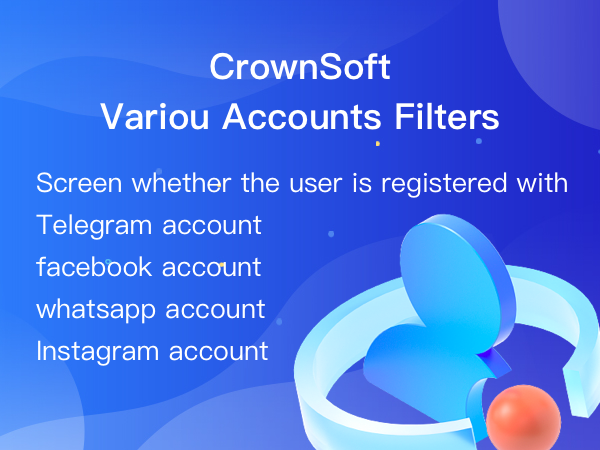
Screen whether to sign up for WhatsApp / FaceBook / Instgram / Telegram
Filter the active time of various accounts
Export the.txt/.vcf/.xls/.xlsx file

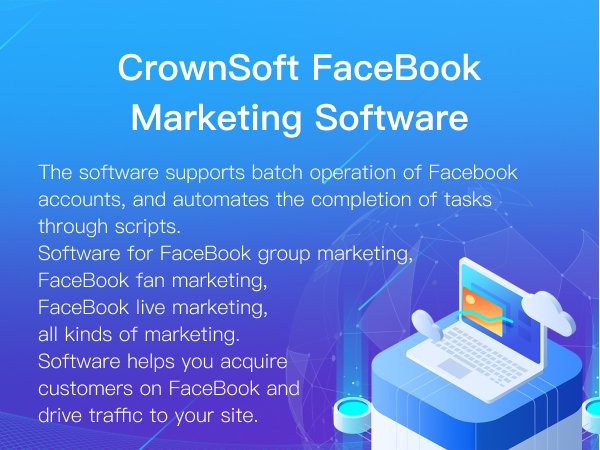
The software supports batch operation of Facebook accounts, and automatesthe completion of tasks through scripts.
Software for FaceBook group marketing, FaceBook fan marketing, FaceBook livemarketing, all kinds of marketing.
Software helps you acquire customers on FaceBook and drive trafhc to your site.

| Product | Price | About Software | Contact Information |
| Facebook auto comment | Based on the number of operational rights | Product Details | Online Consultation |
| Facebook marketing software | Based on the number of operational rights | Product Details | Online Consultation |
Time:2026-01-12 14:58:47 Source:www.crownsoft007.com
Whether you’re managing social media accounts, organizing video materials, or simply want to watch content offline, downloading Facebook videos is a real need for many users. However, Facebook itself doesn’t offer a direct download option, which makes choosing the right tool particularly important.
There are many Facebook video download tools on the market. In this article, we’ll recommend five widely used tools that are practical and easy to use, helping you save time and effort.
Before picking a tool, it’s important to keep these points in mind:
Does it support HD or Full HD downloads?
Does it require logging into your Facebook account?
Can it download public as well as private videos?
Are there forced ads or plugin installations?
Is it compatible with both mobile and desktop devices?
Understanding these factors will help you determine which tool is truly suitable for your needs.
1. GetfVid (Flexible Quality Options)
GetfVid is a mature online Facebook video downloader that emphasizes quality and format selection.
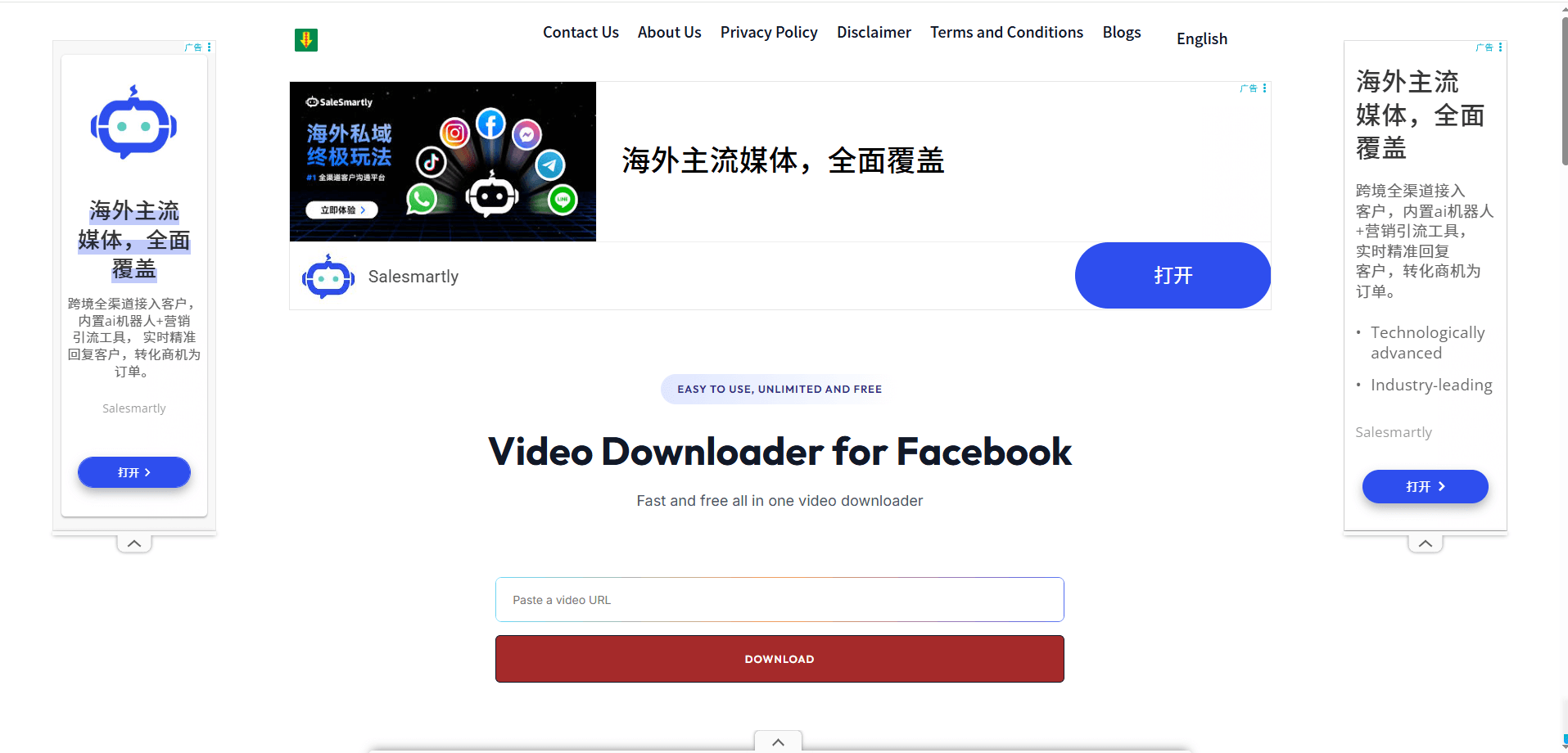
Key Features:
Supports HD and Full HD downloads
Can download video or just audio
Supports some Facebook Reels
Pros:
Wide range of quality options
Clean, user-friendly interface
High success rate for video parsing
Cons:
Limited support for private videos
Access speed may be slower in certain regions
2. FBdown.net
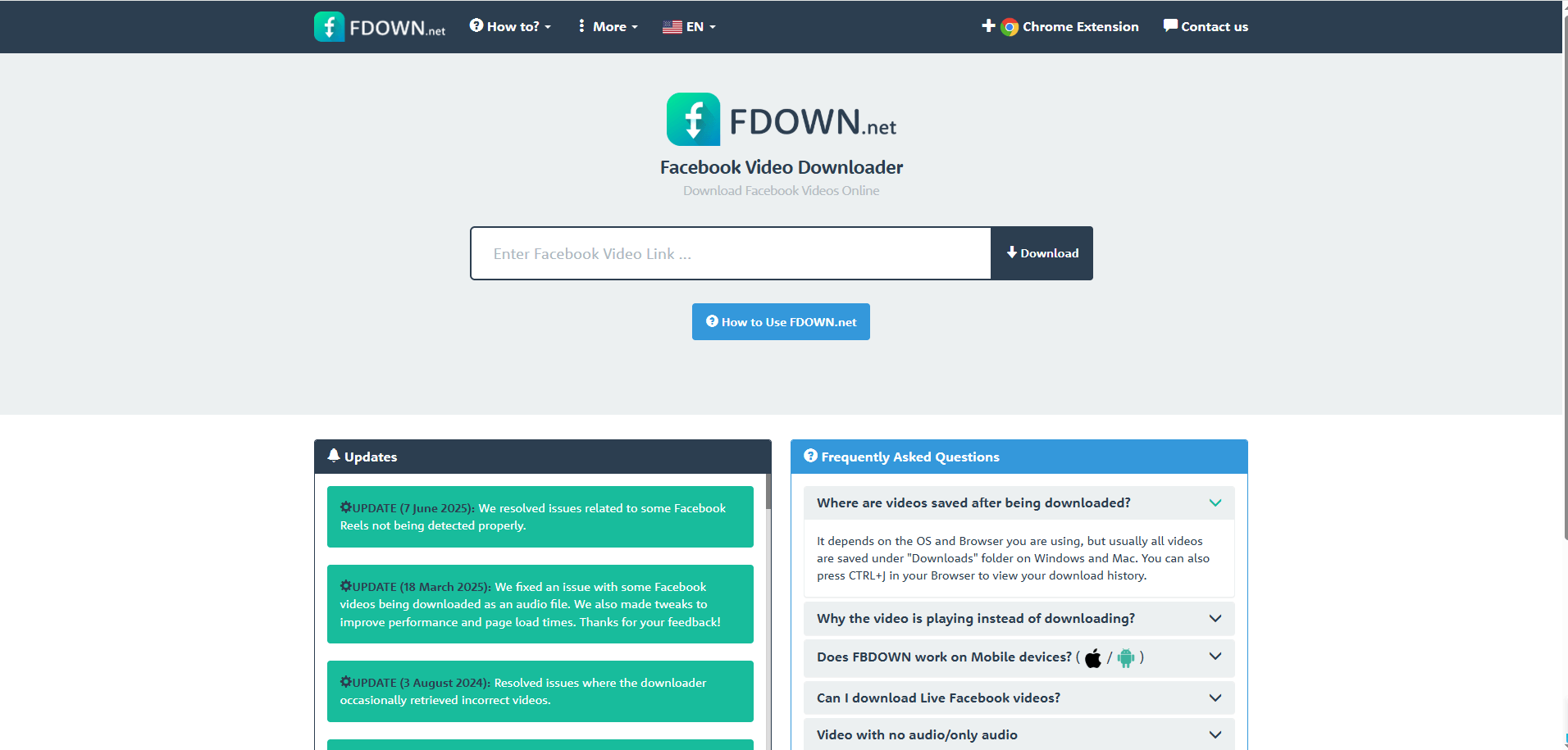
FBdown.net is one of the longest-standing online Facebook video download tools. Its usage is straightforward: paste the Facebook video URL, click download, and choose the desired video quality.
Pros:
Clear and simple interface
Works on most desktop and Android browsers without registration
Cons:
Occasionally affected when Facebook updates its video system, requiring site updates
3. FDownloader
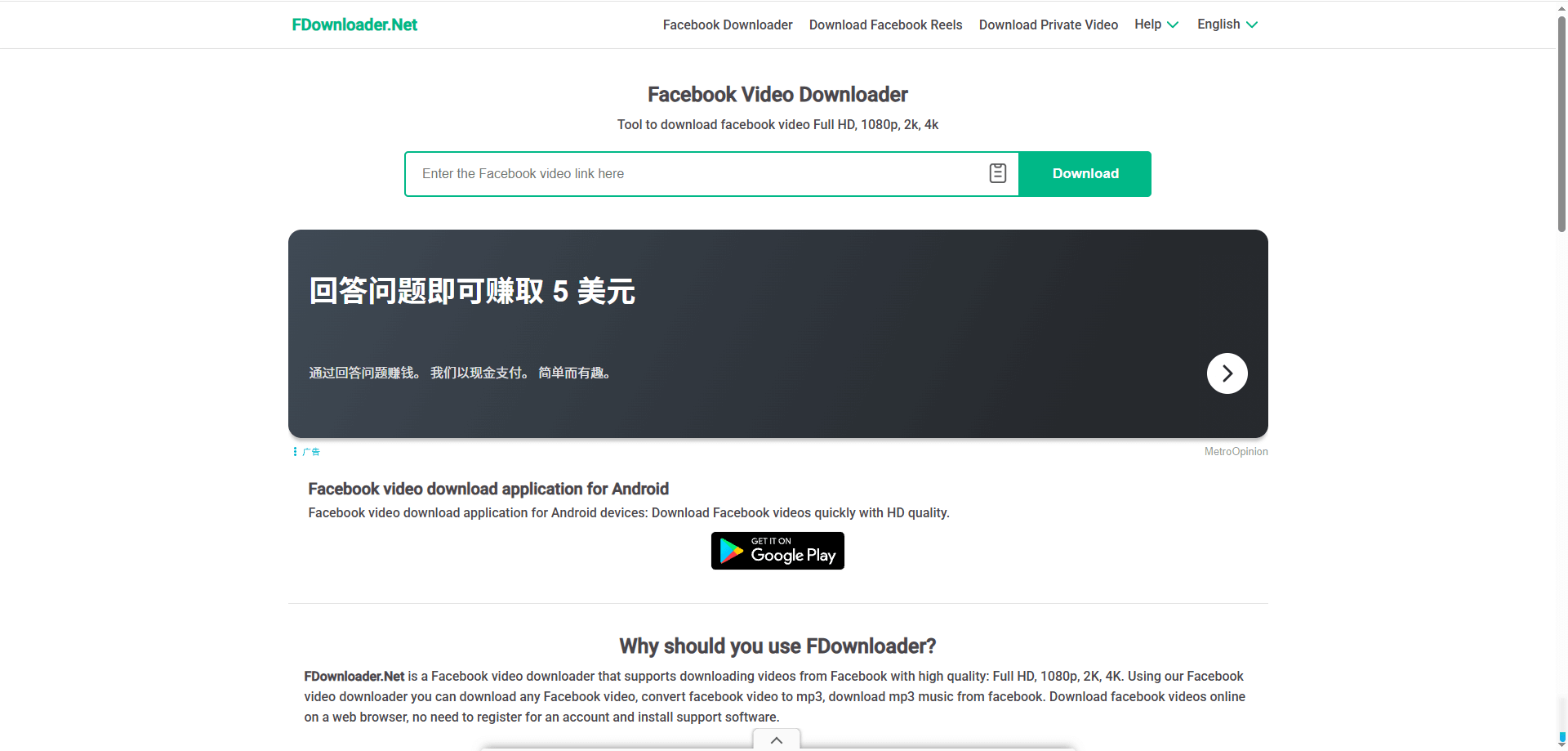
FDownloader is a typical online downloader—no installation is required. Simply copy the Facebook video link to parse and download.
Key Features:
Supports downloading public Facebook videos
Allows SD and HD quality selection
Simple and beginner-friendly
Pros:
No login or registration required
Works on both mobile and desktop browsers
Extremely easy to use
Cons:
Cannot download private videos
Contains advertisements on the page
4. SnapSave.app
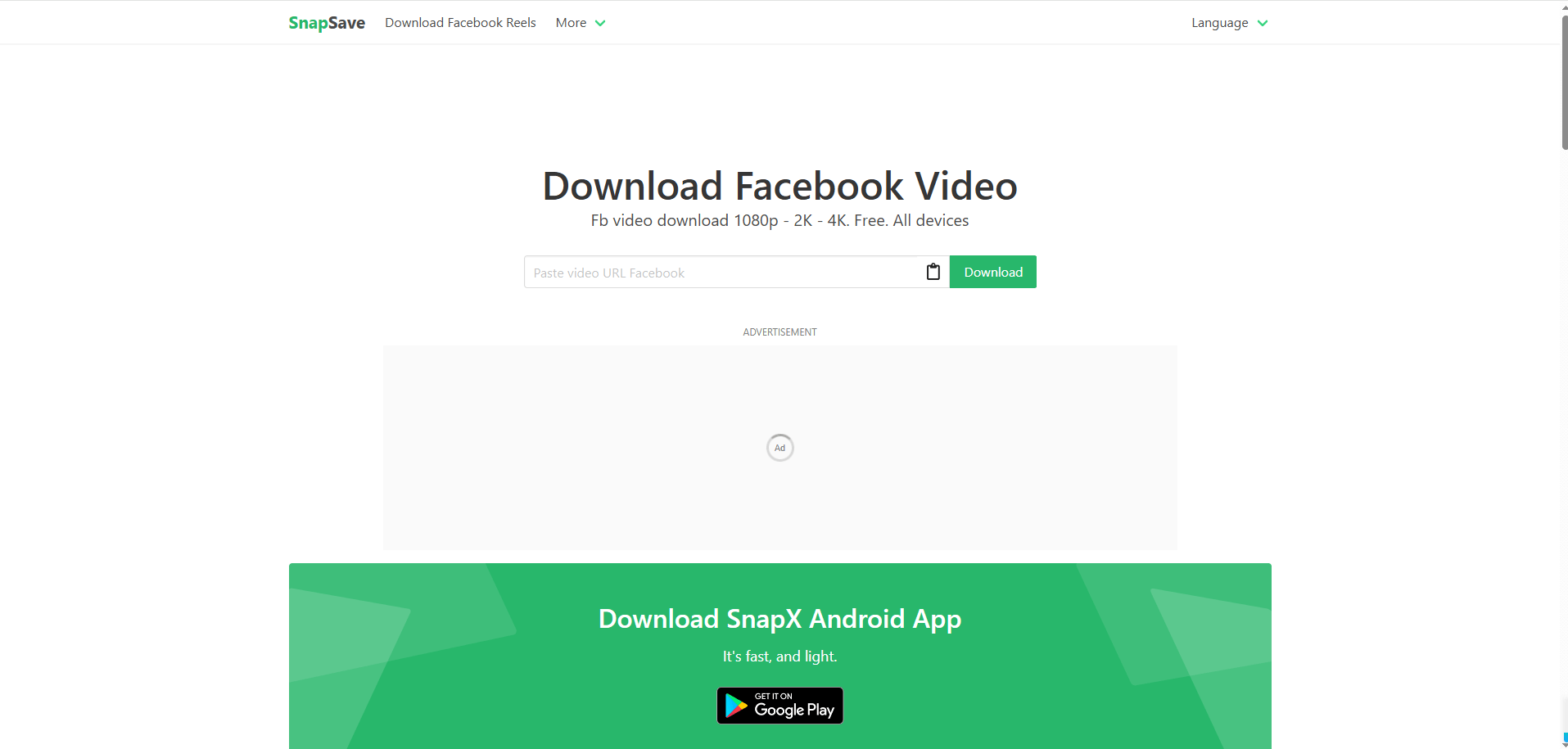
SnapSave.app is designed specifically for Facebook video downloads, aiming to provide a high-quality video saving experience. The process is very simple: paste the Facebook link and download the video. It supports Full HD, 2K, and even 4K resolution.
Pros:
Supports high resolutions: Full HD, 2K, and 4K
Fully online, no installation or registration required
Compatible with smartphones, tablets, and computers with modern browsers
Cons:
Rendering high-quality videos (e.g., 4K with audio) may take longer
Contains advertisements, which may be distracting to some users
5. Browser Extension Download Tools
Some browser extensions can detect and download Facebook videos directly while you’re playing them.
Pros:
Highly efficient for frequent downloads
Convenient for regular use
Cons:
Plugin source must be verified to avoid risks
Some extensions may compromise privacy
Using a reliable Facebook video downloader makes it quick and convenient to save Facebook videos, Reels, and Stories. Tools like GetfVid, FBdown.net, FDownloader, SnapSave.app, and browser extension downloaders each have their own strengths, catering to different needs—from high-quality downloads to audio extraction.
Choose the tool that best fits your usage scenario, and you’ll be able to save and organize Facebook content efficiently.